

Decrypt - Master The Code is a Puzzle application developed by Ironbark Studios, but with the best Android emulator-LDPlayer, you can download and play Decrypt - Master The Code on your computer.
Running Decrypt - Master The Code on your computer allows you to browse clearly on a large screen, and controlling the application with a mouse and keyboard is much faster than using touchscreen, all while never having to worry about device battery issues.
With multi-instance and synchronization features, you can even run multiple applications and accounts on your PC.
And file sharing makes sharing images, videos, and files incredibly easy.
Download Decrypt - Master The Code and run it on your PC. Enjoy the large screen and high-definition quality on your PC!
DECRYPT - MASTER THE CODEUnwind, decrypt, and ease your mind with this thoughtfully designed word puzzle game. Decrypt is a relaxing cipher-solving experience that rewards you with positive affirmations and wisdom as you crack each code.
🧩 GAMEPLAY
- Solve encrypted phrases by figuring out which letters correspond to the encrypted characters
- Start with clues and use logic to reveal the hidden messages
- Choose between letters, numbers, or symbols as your cipher type
- Progress through multiple difficulty levels from Easy to Expert
🌱 UPLIFTING CONTENT
- Unlock 8 unique categories of positive and inspiring content:
- Affirmations & Wisdom
- Proverbs
- Meditation Mantras
- Nature & Earth Wisdom
- Stoic Philosophy
- Cosmic Wonderings
- Jokes & One-Liners
- Art & Creativity
✨ FEATURES
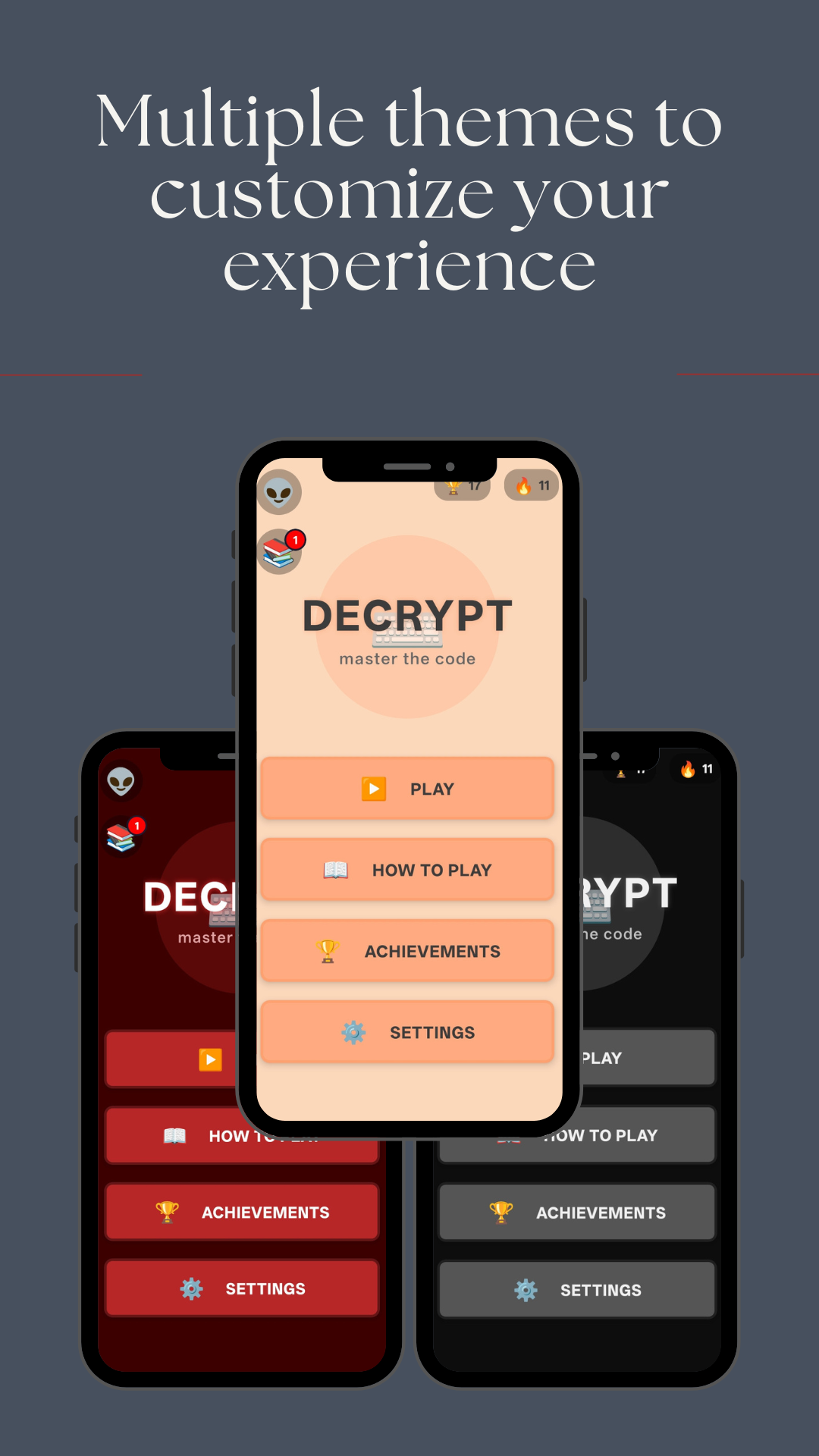
- Elegant, soothing interface with multiple color themes to unlock
- Relaxing background music and satisfying sound effects
- No ads or interruptions - just peaceful puzzle solving
- Optional timer for those who enjoy a challenge
- Track your progress with statistics and achievements
- Earn badges and unlock new color themes as you play
🏆 ACHIEVEMENTS
Complete special challenges to unlock new content and customize your experience. Every achievement brings rewards!
Decrypt was created for real people who might be struggling and would like to hear something positive for a change. This game will never include ads - it exists solely to provide a peaceful moment in your day, combining relaxing gameplay with messages that might brighten your mood, even if just for a moment.
Enjoy your decrypting journey!