Best Way to Play Crossing Void Global on PC Guide
2019-11-08
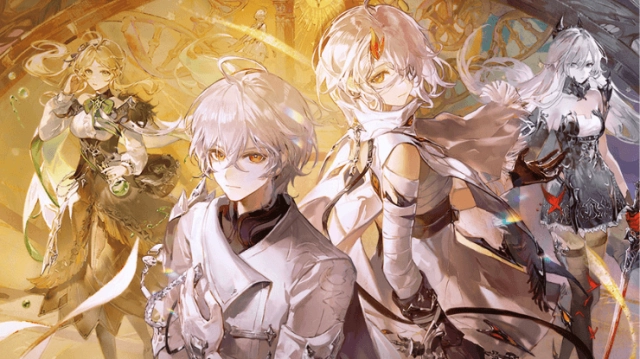
Crossing Void Global is a brand-new mobile anime RPG featuring various anime characters and unique storyline. When the anime worlds collapse, new challenges and dangers arise! All the anime characters from different worlds stand together to fight against the strongest enemies.
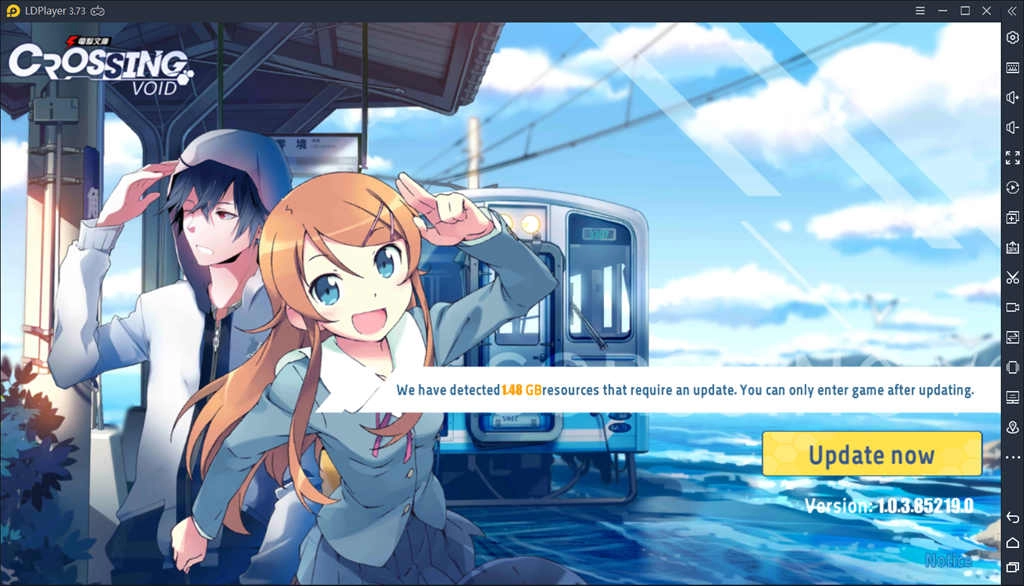
In Crossing Void Global, you can challenge evil bosses, join guild battles, and find various new events with your desired anime characters. But the rich gameplay of this game may be limited on your mobile devices. So, besides playing Crossing Void Global on your phone, you can also use computer to upgrade your anime heroes on desktop with LDPlayer.
What is LDPlayer?
LDPlayer, emulating the Android system on your computer, helps you easily run Android games and apps on your computer. Moreover, as one of the most popular Android emulators all around the world, LDPlayer will offer you a number of additional powerful tools to take your gaming experience to the next level.
How to Play Crossing Void Global on PC with LDPlayer
Now, we will offer you a simple guide about how to run Crossing Void Global with LDPlayer on your computer. LDPlayer is a definitely safe and clean Android emulator for any Android games and apps. We guarantee that it will not cause any harm to your computer and game accounts.

STEP 1: Click the Download button up there to download LDPlayer installer.
STEP 2: Open the installer to complete the setup. Then run LDPlayer on desktop.
STEP 3: Go to the search bar and search for Crossing Void Global.
STEP 4: Click Install icon to download it from Google Play or choose Local Install.
STEP 5: Follow the on-screen instructions to finish the installation of Crossing Void Global.
STEP 6: Once installation completes, click the Crossing Void Global icon to launch the game
When you are all done, enjoy playing Crossing Void Global with LDPlayer on your computer!
Advantages of Using LDPlayer to Play Crossing Void Global on PC
Better Visual Experience with Larger Screen
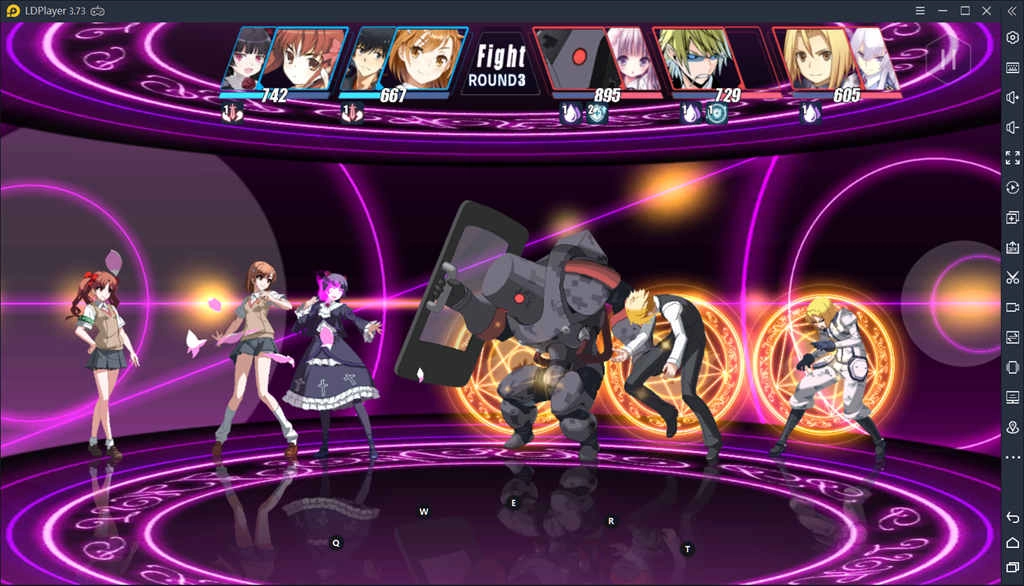
Playing games on desktop will definitely give you a better visual experience. In Crossing Void Global, many players are addicted to those anime heroes who are the main characters from various anime series. This is also the main reason why the game becomes such popular in a short period. With a larger screen, you can have a clearer and more vivid view of your anime characters.
Longer Duration than Mobile Devices
There is no doubt that you need to cost lots of time and energy to develop your anime heroes and build a well-balanced team. Thus, choosing to play Crossing Void Global on PC with LDPlayer must be a good way to ease the burden of your mobile devices, and you don’t need to worry about the battery life of your phone anymore.
Smoother Control with Keyboard and Mouse
Crossing Void Global features many unique gameplays including a special battle system with different anime characters. As the battle gets fierce, it is hard for you to control your heroes with your mobile devices. So, if you Crossing Void Global on PC with LDPlayer, touch screen will be replaced by keyboard and mouse, which makes the control more flexible for your precise strike.
How to set Key Mapping for Crossing Void Global
As we know, if you want to play mobile games on PC, all of the controls have to be mapped with keyboard and mouse for replacing the touch screen on mobile devices. Especially for Crossing Void Global, you may need to fight against opponents all the time.
Thus, you should set some key mappings when you play this game on LDPlayer for the first time. Setting key mapping is not difficult. Head over to the keyboard mapping setting on the right setting menu of LDPlayer firstly. After that, you just need to drag the command icon from the display panel to the corresponding position and assign a key for it.
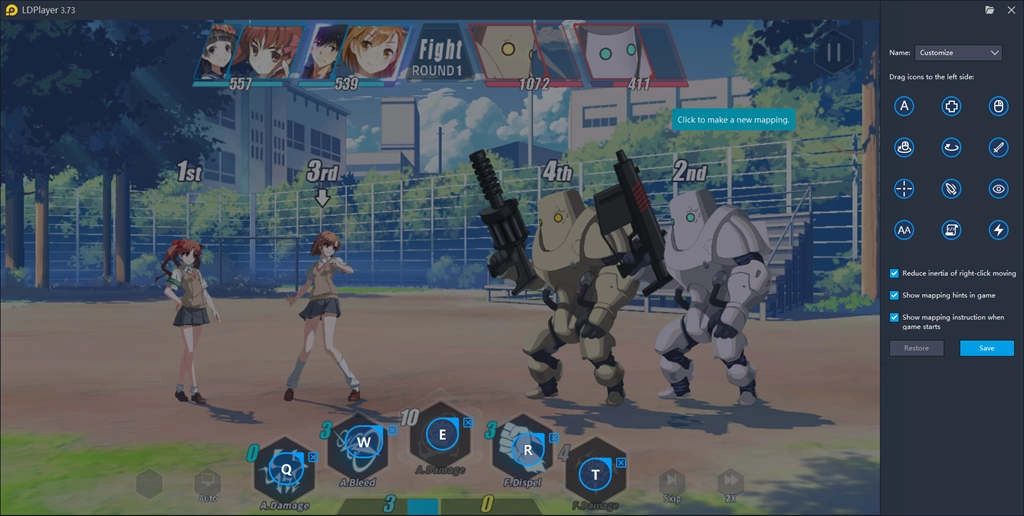
If you still feel upset about the complicated key settings, now we have provided you with a detailed tutorial about keyboard mapping on LDPlayer. You can check this article to learn more information: Keymapping on Emulator - How to Use Keyboard Mapping.
4 Extra Tips for Crossing Void Global Beginner
1. Story System
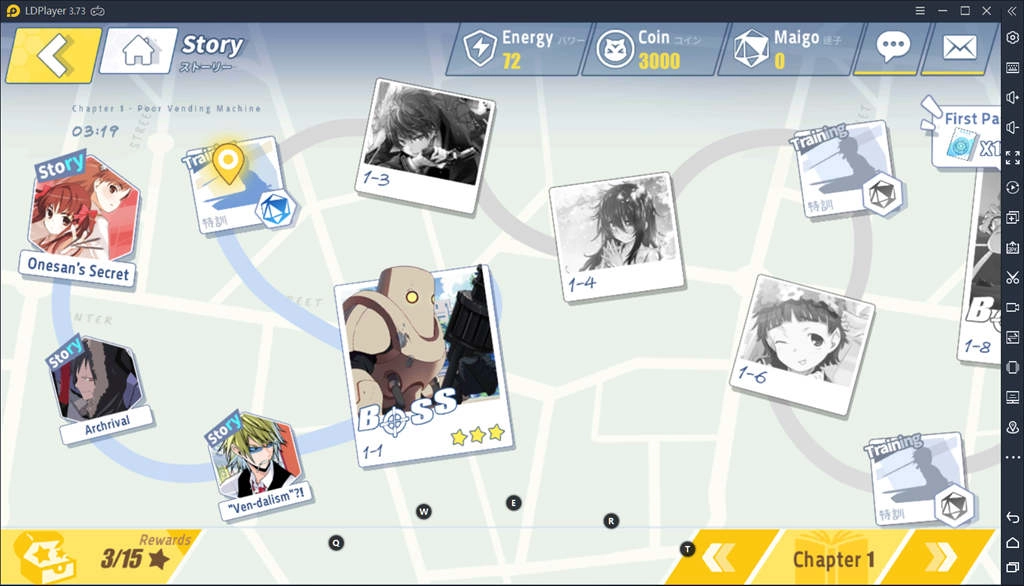
In most cases, storyline is one of the core parts in most RPGs. Crossing Void Global is no exception. You are able to get a ton of valuable rewards by completing the storyline missions. Moreover, you should also get as much stars as you can when you complete the chapters. The star system will offer you more chances to summon new partners.
2. Unlock New Characters
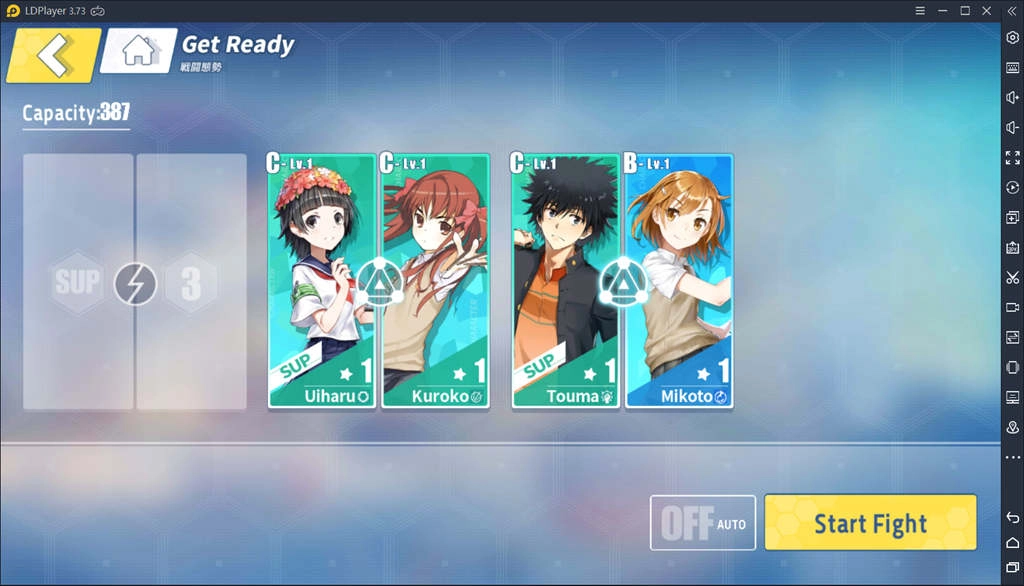
The gacha area is the main place where you can easily get some new characters. But we need to mention that you have to spend lots of money on purchasing the tickets to Gacha area. You can also unlock a new character by collecting character fragments and finishing game stories.
3. Enhance Your Heroes
In Crossing Void Global, there are lots of ways to enhance each characters of your team. Star Up is one of the most effective ways. You are able to equip Resolute Will and Bold Determination gems for your heroes. These can star up other team members and offer extra buffs.
4. Join an Active Guild
Guild system is definitely a friendly place where you can meet friends who shared same goals with you and obtain special rewards. You are able to get guild buffs, character fragments, and special guild shop from an active guild. All these are valuable rewards for you to improve your combat effectiveness.
Conclusion
LDPlayer is a very useful tool that can help you play Crossing Void Global on your large screen computer. Moreover, you can smoothly run not only Crossing Void Global but also other anime-based RPGs such as Digimon ReArise, Destiny Child, etc, on your computer. What are you waiting for? Download the latest version of LDPlayer and enjoy these excellent games right now.


Crossing Void - Global
You May Also Like
Top Game Guides