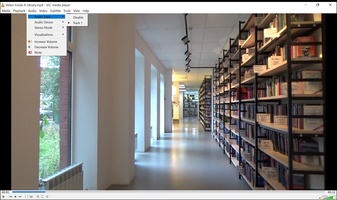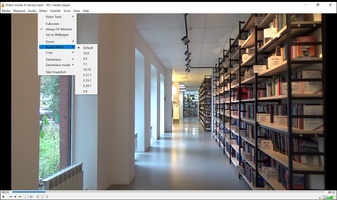


VLC Media Player is a Tools application developed by , but with the best Android emulator-LDPlayer, you can download and play VLC Media Player on your computer.
Running VLC Media Player on your computer allows you to browse clearly on a large screen, and controlling the application with a mouse and keyboard is much faster than using touchscreen, all while never having to worry about device battery issues.
With multi-instance and synchronization features, you can even run multiple applications and accounts on your PC.
And file sharing makes sharing images, videos, and files incredibly easy.
Download VLC Media Player and run it on your PC. Enjoy the large screen and high-definition quality on your PC!
VLC Media Player is a multi-platform, open-source media player distributed under the GPL license that lets you play virtually all of today's most popular video and audio formats.
It supports MPEG, DivX, WMV, AVI, MOV, MP4, MKV, H.264/AVC, FLV, MP3 and OGG among many other codecs and container formats, as well as Blu-rays, DVDs, CDs, and different streaming protocols. Plus, if you have any corrupted or half downloaded files, it can read incomplete video and audio files. It also supports different types of subtitle formats, such as SRT, ASS or native files extracted from discs, and can be customized in style, size, and screen layout.
If the app's interface seems too simple, you can modify it by using skins. VLC Media Player can also be controlled through the command line, telnet or a web browser, so its features go beyond a simple media player.