sedapZ is a Tools application developed by Shoppertise, but with the best Android emulator-LDPlayer, you can download and play sedapZ on your computer.
Running sedapZ on your computer allows you to browse clearly on a large screen, and controlling the application with a mouse and keyboard is much faster than using touchscreen, all while never having to worry about device battery issues.
With multi-instance and synchronization features, you can even run multiple applications and accounts on your PC.
And file sharing makes sharing images, videos, and files incredibly easy.
Download sedapZ and run it on your PC. Enjoy the large screen and high-definition quality on your PC!
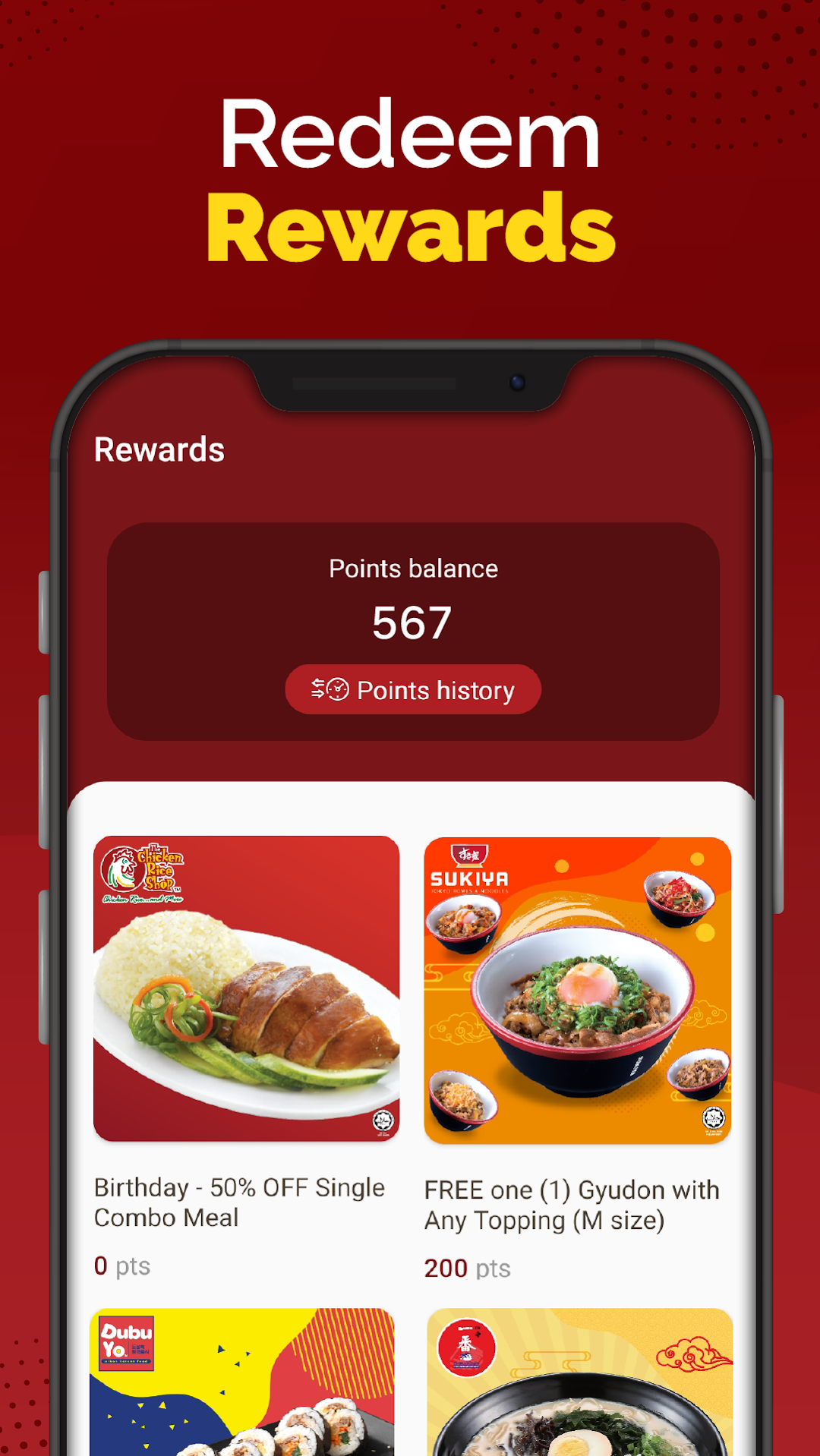
EAT. COLLECT. REDEEM. REPEAT!Introducing sedapZ, the app that rewards you for enjoying food from your favourite brands; The Chicken Rice Shop, Sukiya, DubuYo, Ichiban Ramen, Sepiring & Che Go.
With this new app, we wish to share exclusive member deals and rewards to our loyal customers! Every visit to our restaurants is now even more exciting & rewarding.
• Collect, track your points & redeem the accumulated points during your visits
• Collect & track your points for the accumulated points for Click & Collect
• Receive exclusive app-only rewards + loyalties
• Leave your valuable feedback so we can serve you better
• Find a restaurant