Nala is a Social application developed by gomatchonlive, but with the best Android emulator-LDPlayer, you can download and play Nala on your computer.
Running Nala on your computer allows you to browse clearly on a large screen, and controlling the application with a mouse and keyboard is much faster than using touchscreen, all while never having to worry about device battery issues.
With multi-instance and synchronization features, you can even run multiple applications and accounts on your PC.
And file sharing makes sharing images, videos, and files incredibly easy.
Download Nala and run it on your PC. Enjoy the large screen and high-definition quality on your PC!
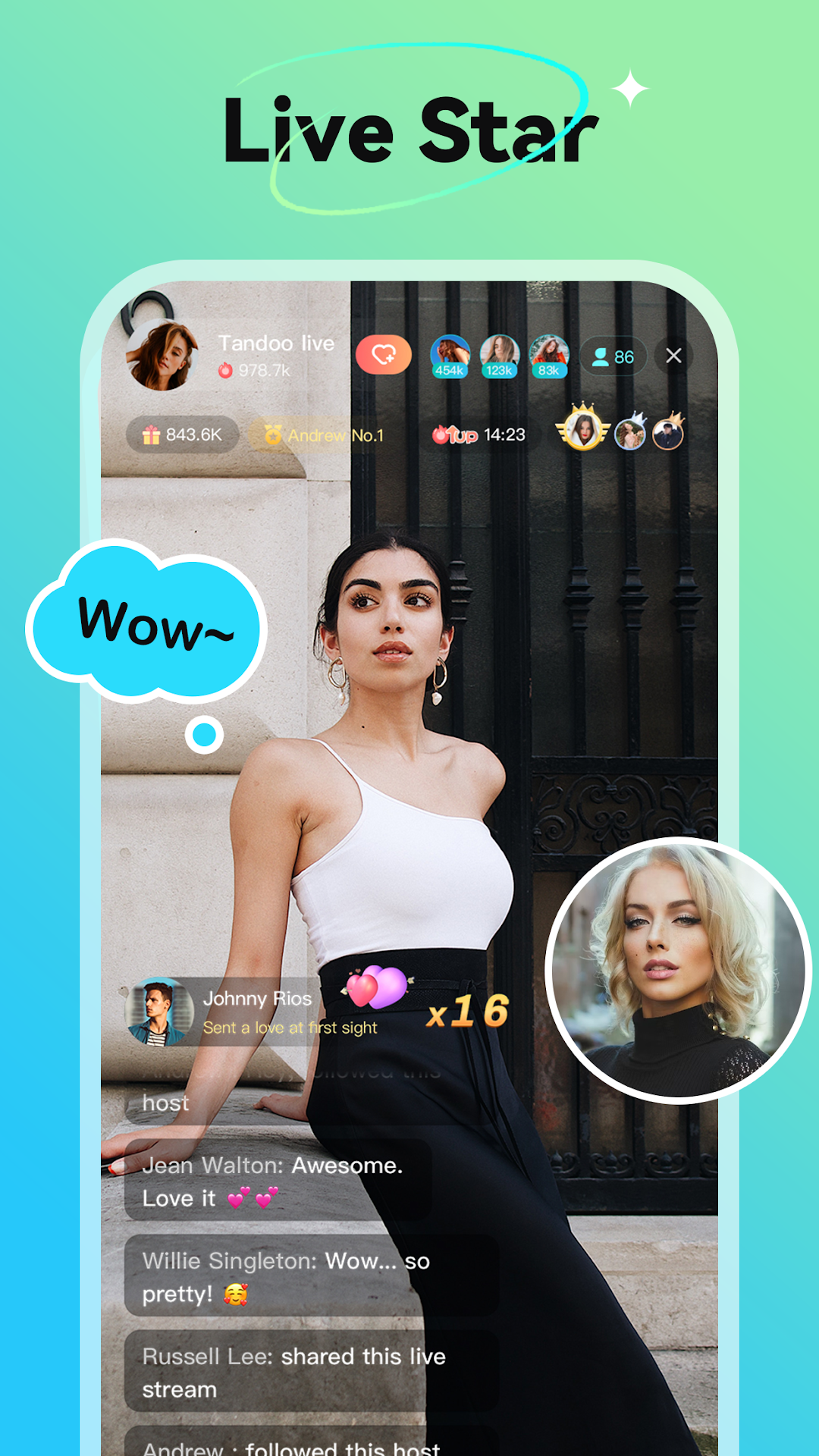
Nala is a global live streaming platform focusing on entertainment service. Watch wonderful live, chat face-to-face with friends from all over the world and get closer to each other. Also, Nala will provide the opportunity to show your wonderful talent and be the focus of the whole world.……………………………………………………………………
[Have fun Joining Party Room]
Join Live! Watch live broadcast and chat with at most 8 people at the same time for free!
We review our chatting environment in real time and will ban the account and block the users if they violate the community rules. We aim to give everyone a high-quality community.
[Search Worldwide Friends]
Discover new friends from different countries, and by the same interests.
……………………………………………………………………
Welcome to Nala!
Contact us: jianghuer2022@gmail.com