Cheogram (Jabber, Call, Text) is a Communication application developed by MBOA, but with the best Android emulator-LDPlayer, you can download and play Cheogram (Jabber, Call, Text) on your computer.
Running Cheogram (Jabber, Call, Text) on your computer allows you to browse clearly on a large screen, and controlling the application with a mouse and keyboard is much faster than using touchscreen, all while never having to worry about device battery issues.
With multi-instance and synchronization features, you can even run multiple applications and accounts on your PC.
And file sharing makes sharing images, videos, and files incredibly easy.
Download Cheogram (Jabber, Call, Text) and run it on your PC. Enjoy the large screen and high-definition quality on your PC!
The Cheogram Android app allows you to join a worldwide communication network. It especially focuses on features useful to users who want to contact those on other networks as well, such as SMS-enabled phone numbers.Free one-month trial of JMP.chat service included!
Features include:
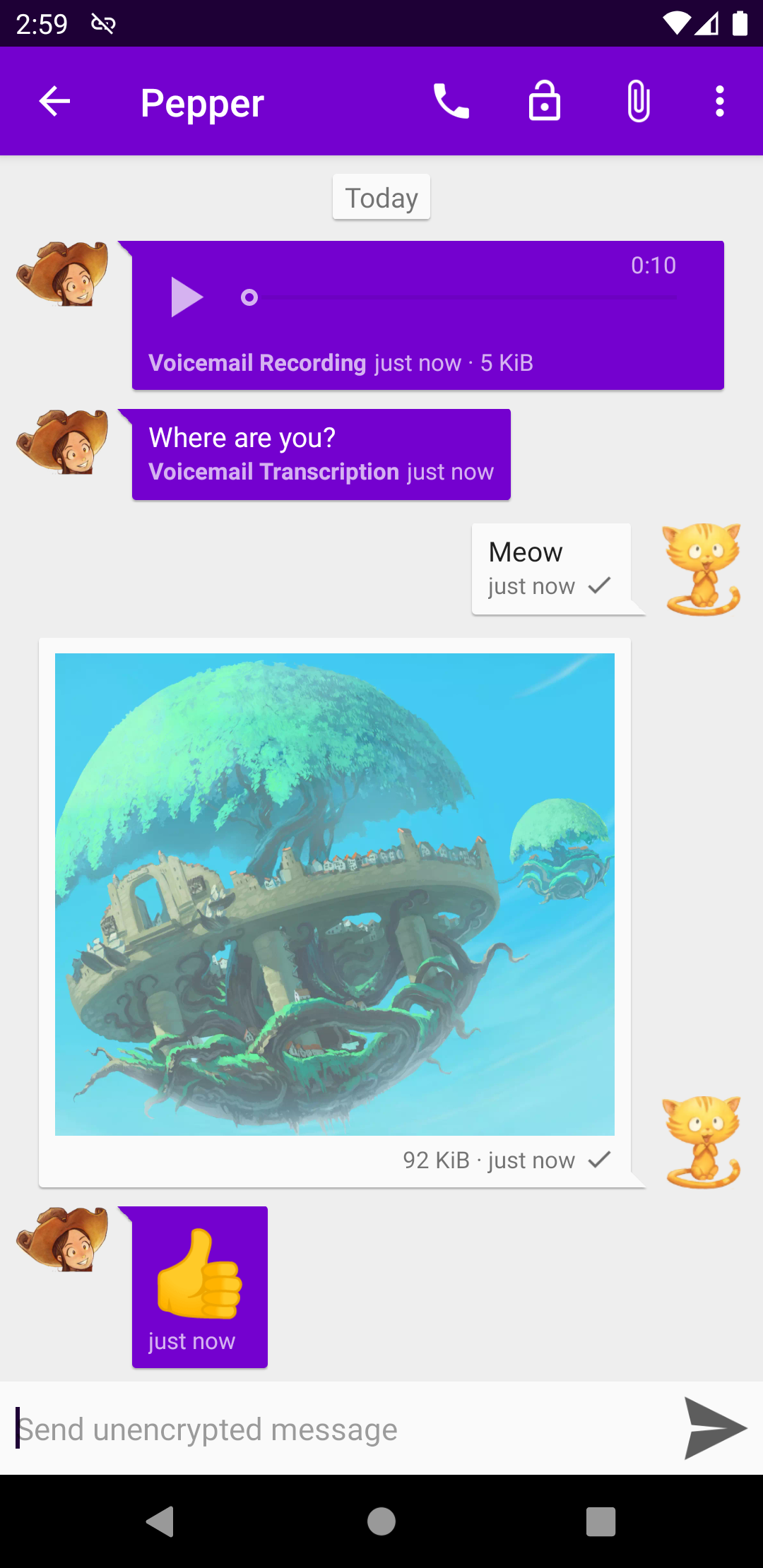
* Messages with both media and text, including animated media
* Unobtrusive display of subject lines, where present
* Links to known contacts are shown with their name
* Integrates with gateways' add contact flows
* When using a gateway to the phone network, integrate with the native Android Phone app
* Address book integration
* Tag contacts and channels and browse by tag
* Command UI
* Lightweight threaded conversations
* Sticker packs
Where to get service:
Cheogram Android requires you have an account with a Jabber service. You can run your own service, or use one provided by someone else, for example: https://snikket.org/hosting/
Art in screenshots is from https://www.peppercarrot.com by David Revoy, CC-BY. Artwork has been modified to crop out sections for avatars and photos, and in some cases add transparency. Use of this artwork does not imply endorsement of this project by the artist.