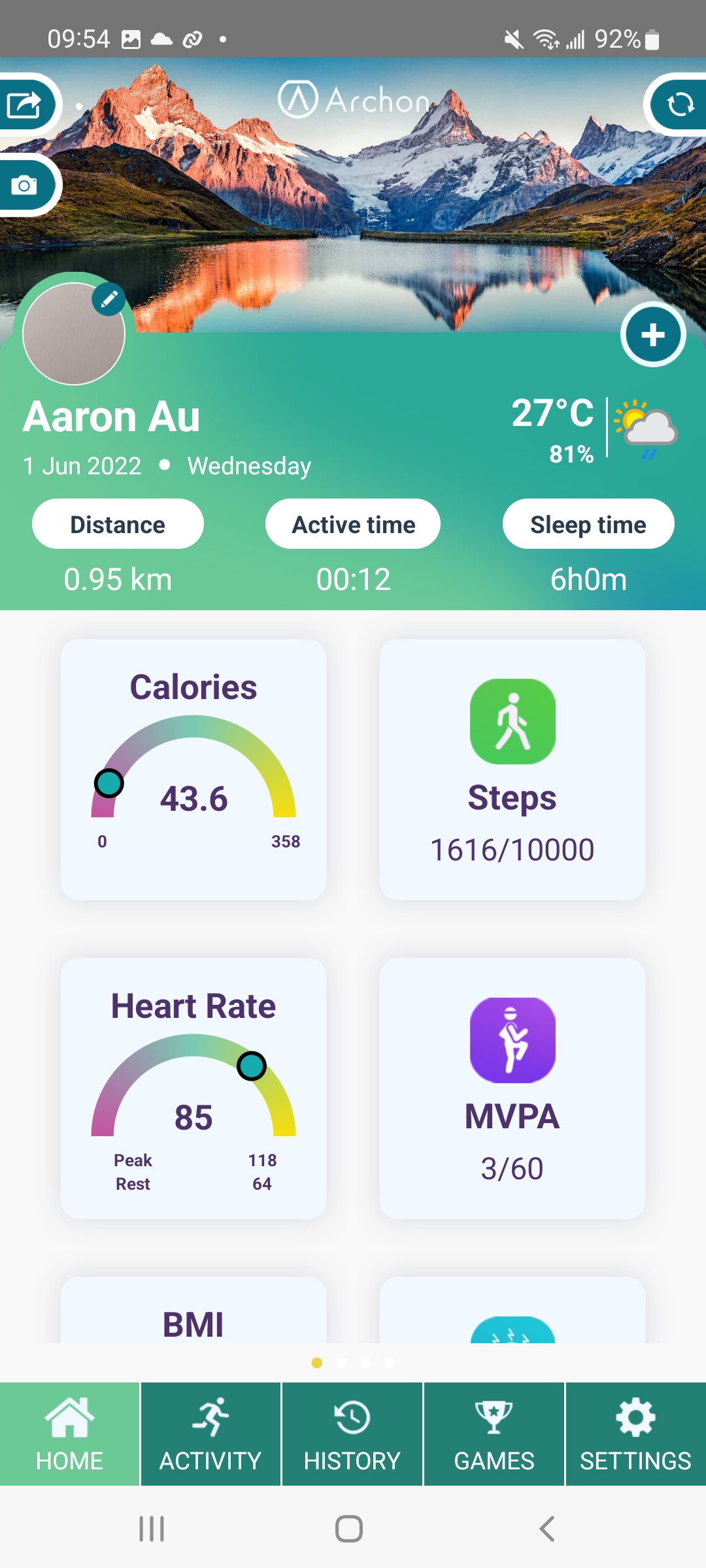
Archon is a Health&Fitness application developed by Archon, but with the best Android emulator-LDPlayer, you can download and play Archon on your computer.
Running Archon on your computer allows you to browse clearly on a large screen, and controlling the application with a mouse and keyboard is much faster than using touchscreen, all while never having to worry about device battery issues.
With multi-instance and synchronization features, you can even run multiple applications and accounts on your PC.
And file sharing makes sharing images, videos, and files incredibly easy.
Download Archon and run it on your PC. Enjoy the large screen and high-definition quality on your PC!
Exercise and rest, an essential part of a modern busy lifestyle[Archon] will help you keep it on track:
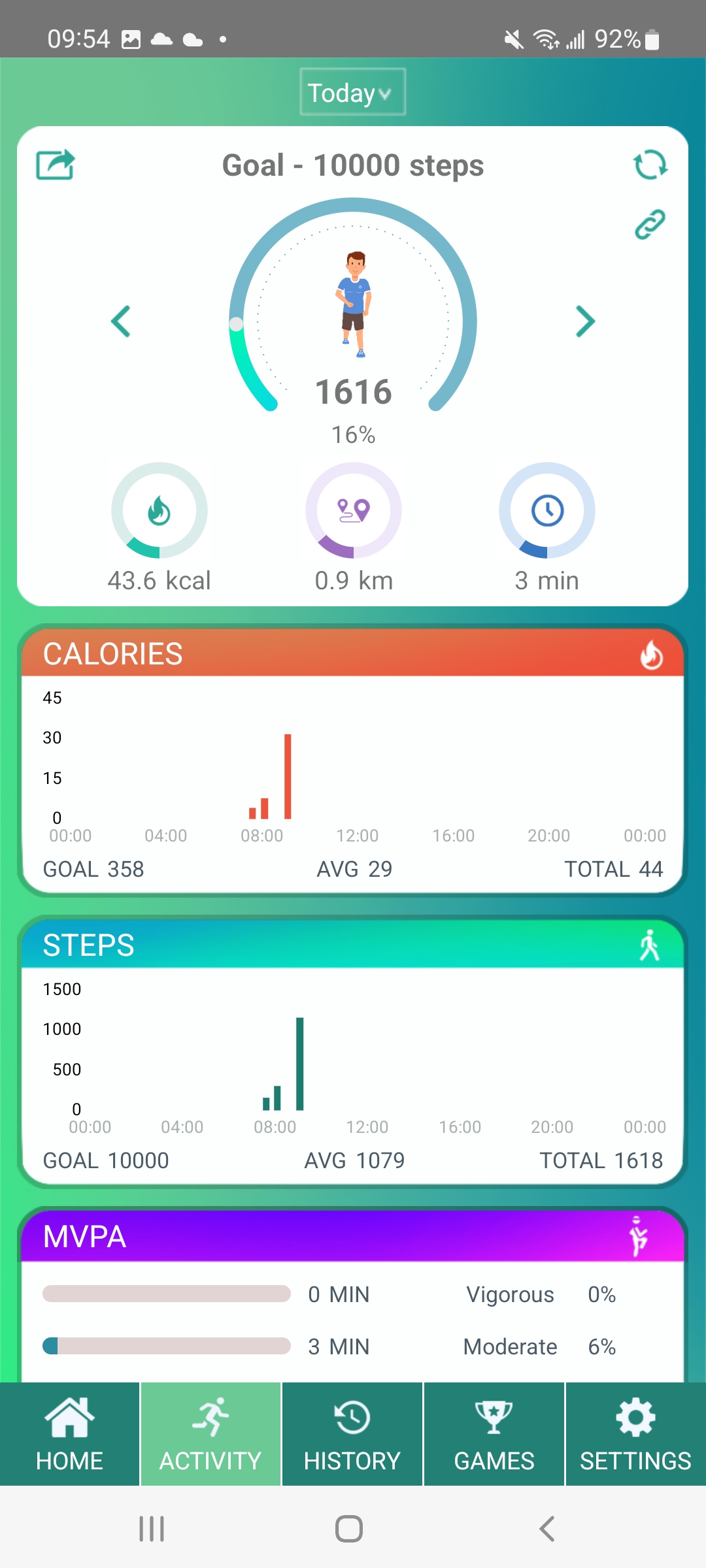
1 - More satisfactory workouts: steps, distance, and calories burned information at your fingertips
2 - Safeguarded workout history: confidential workout history securely kept and locked away
3 - Convenience by your side: the wristband will always be on hand to keep a watchful eye on your health.
If you have any comments or suggestions on Archon, please submit your feedback in the App. We read each feedback carefully and will communicate with you sincerely.