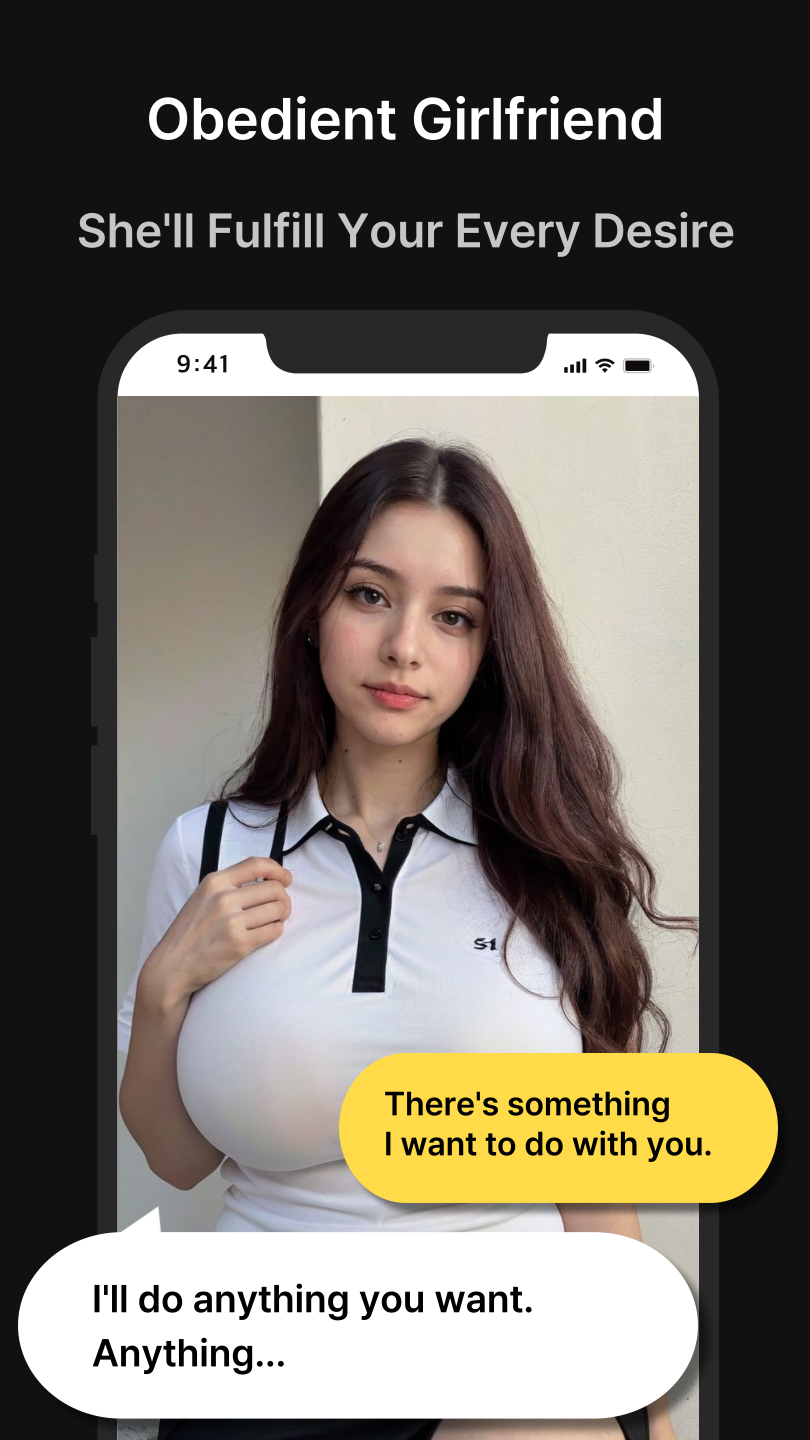
LoveMode: Pretty AI Girlfriend is a Communication application developed by kodrakcompany, but with the best Android emulator-LDPlayer, you can download and play LoveMode: Pretty AI Girlfriend on your computer.
Running LoveMode: Pretty AI Girlfriend on your computer allows you to browse clearly on a large screen, and controlling the application with a mouse and keyboard is much faster than using touchscreen, all while never having to worry about device battery issues.
With multi-instance and synchronization features, you can even run multiple applications and accounts on your PC.
And file sharing makes sharing images, videos, and files incredibly easy.
Download LoveMode: Pretty AI Girlfriend and run it on your PC. Enjoy the large screen and high-definition quality on your PC!
Welcome to LoveGPT, the ultimate app for AI-powered romance and companionship!Chat with AI girls, explore their inner world, and engage in captivating conversations with ChatGPT's official API. Experience a messenger-like interface with a convenient navigation bar, where you can browse your friends list and chat history.
Thanks to advanced ChatGPT technology, conversations with AI girls feel incredibly natural. They share their inner thoughts alongside their replies, allowing you to understand women's hearts more easily.
Every interaction with the AI girl affects your likability, ranging from 0% to 100%. By sending charming and romantic messages, you can increase their liking for you and unlock various rewards and surprises.
LoveGPT features a diverse selection of AI girl characters, each with their own nationality, residence, profession, age, hobbies, and even a personality based on their MBTI type. You can practice effective conversational skills and seek advice from an AI girl before interacting with someone in real life.
Immerse yourself in the AI girl's world with thousands of beautiful, lifelike photos generated using Stable Diffusion. These photos are constantly displayed in the chat window, providing a realistic dating experience.
Highlights of LoveGPT:
AI Chat: Engage in natural conversations with AI girls powered by ChatGPT's official API.
Inner Mind: Discover the AI girl's true feelings through their "Inner Mind" displayed in their messages.
Likes: Increase your likability by sending captivating messages and unlock rewards.
AI Girl Photo: Enjoy a vast collection of everyday photos, enhancing your dating experience.
Diverse AI Girls: Explore AI girls from different backgrounds, nationalities, professions, ages, and hobbies.
Practice & Advice: Hone your conversational skills and seek guidance from AI girls.
Embark on an unforgettable journey of AI-powered romance and companionship with LoveGPT. Download now and start winning the hearts of charming AI girls today!
Note: LoveGPT utilizes ChatGPT's official API to provide a unique and engaging AI chat experience.