Security Camera CZ is a House&Home application developed by SCamera, but with the best Android emulator-LDPlayer, you can download and play Security Camera CZ on your computer.
Running Security Camera CZ on your computer allows you to browse clearly on a large screen, and controlling the application with a mouse and keyboard is much faster than using touchscreen, all while never having to worry about device battery issues.
With multi-instance and synchronization features, you can even run multiple applications and accounts on your PC.
And file sharing makes sharing images, videos, and files incredibly easy.
Download Security Camera CZ and run it on your PC. Enjoy the large screen and high-definition quality on your PC!
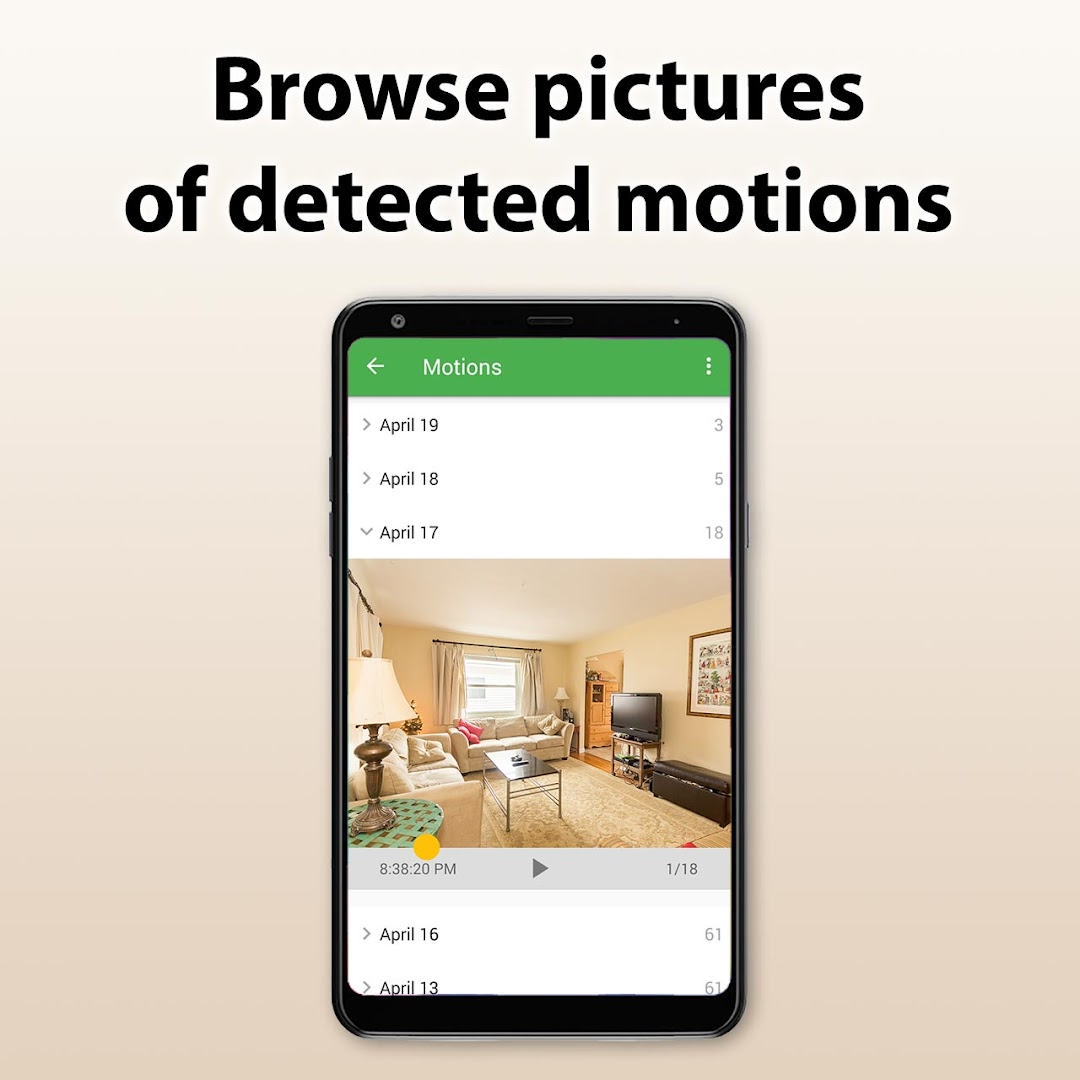
Turn your old smartphone or tablet into online monitoring camera. This app is exclusively designed for parental monitoring, monitoring of your property or pets. This app offers many functions and all features are FREE!This application enables to record detected motions as HD videos or as images in high resolution. Resolution of images isn't limited.
All features are FREE:
Smart motion detection.
Exceptional resistance to false alarms.
Live HD video and video recording.
Two way talk-back function.
Zoom including pan-tilt-zoom on supported phones.
Low light enhancement - works even in low light conditions.
Automatic torch turning on with many options.
Detected motions are recorded as HD video or as images in high resolution.
Option to stores recorded images to Google Drive.
Multiple free cameras all in one system.
Sharing of your cameras with your family.
Scheduler for motion detection.
Turn motion detection off when I'am nearby.
Motion detection zones.
Siren alarm when motion is detected.
Adjustable motion detection sensitivity.
Very intuitive operation.
Works with WiFi or any mobile Internet connection.